BEPRO Space
BEPRO Editor
Cerberus
Login & Signup
Request Match Analysis
2
Cerberus
Basic
All Users
LED Status
Let's learn about Cerberus' LED Status
Hello from the BEPRO team.
In this article, we'll explore the LED colours and flashing patterns for different Cerberus states.
LEDs are displayed according to the following priority:
Error
Completion notification
Recording status
Upload status
Battery status
Default status
Let's take a detailed look at each Cerberus status, shall we?
Default Status
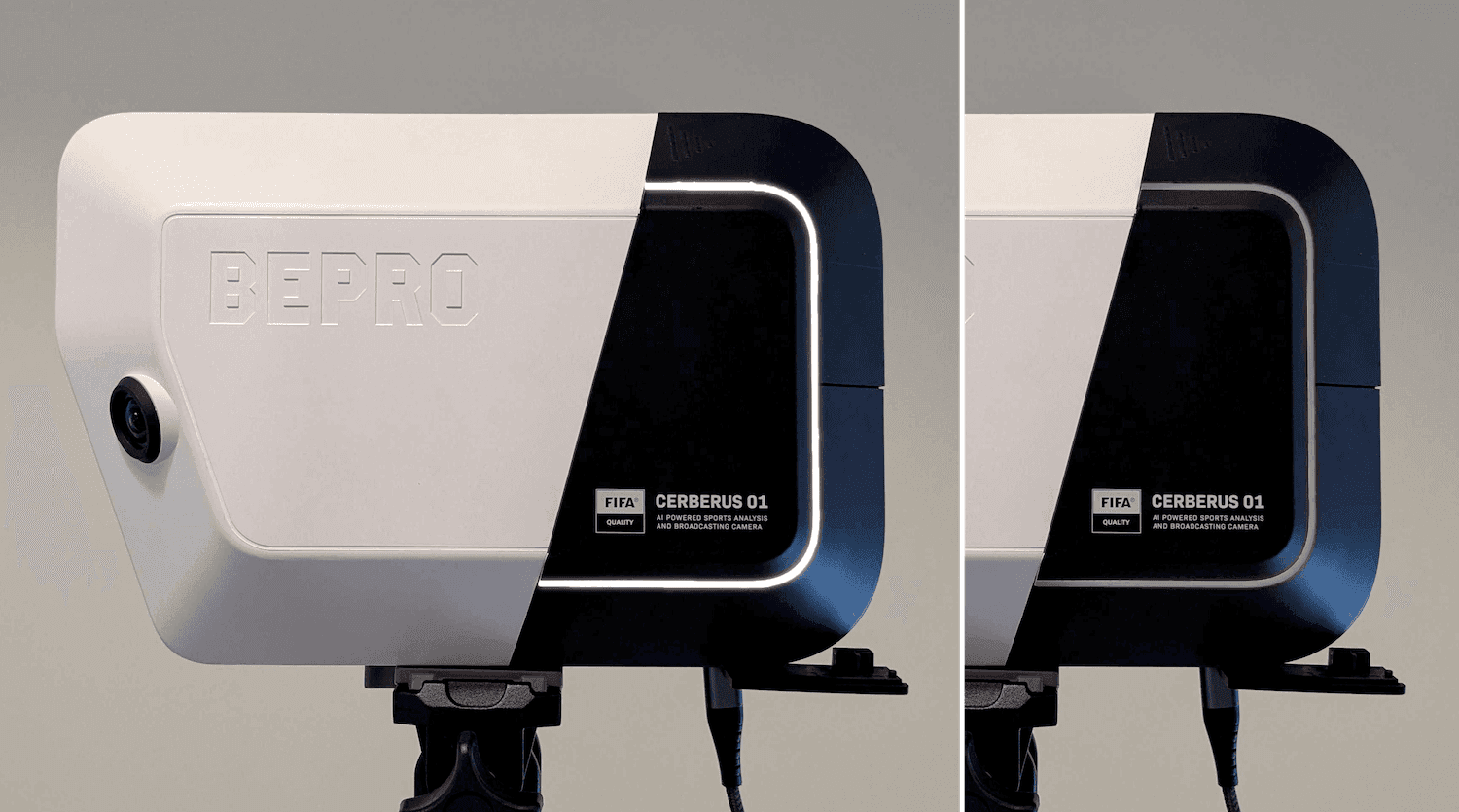
White on: Camera ready for use
Off: Camera powered off
White flashing: Firmware update in progress (continues until complete)
Recording Status
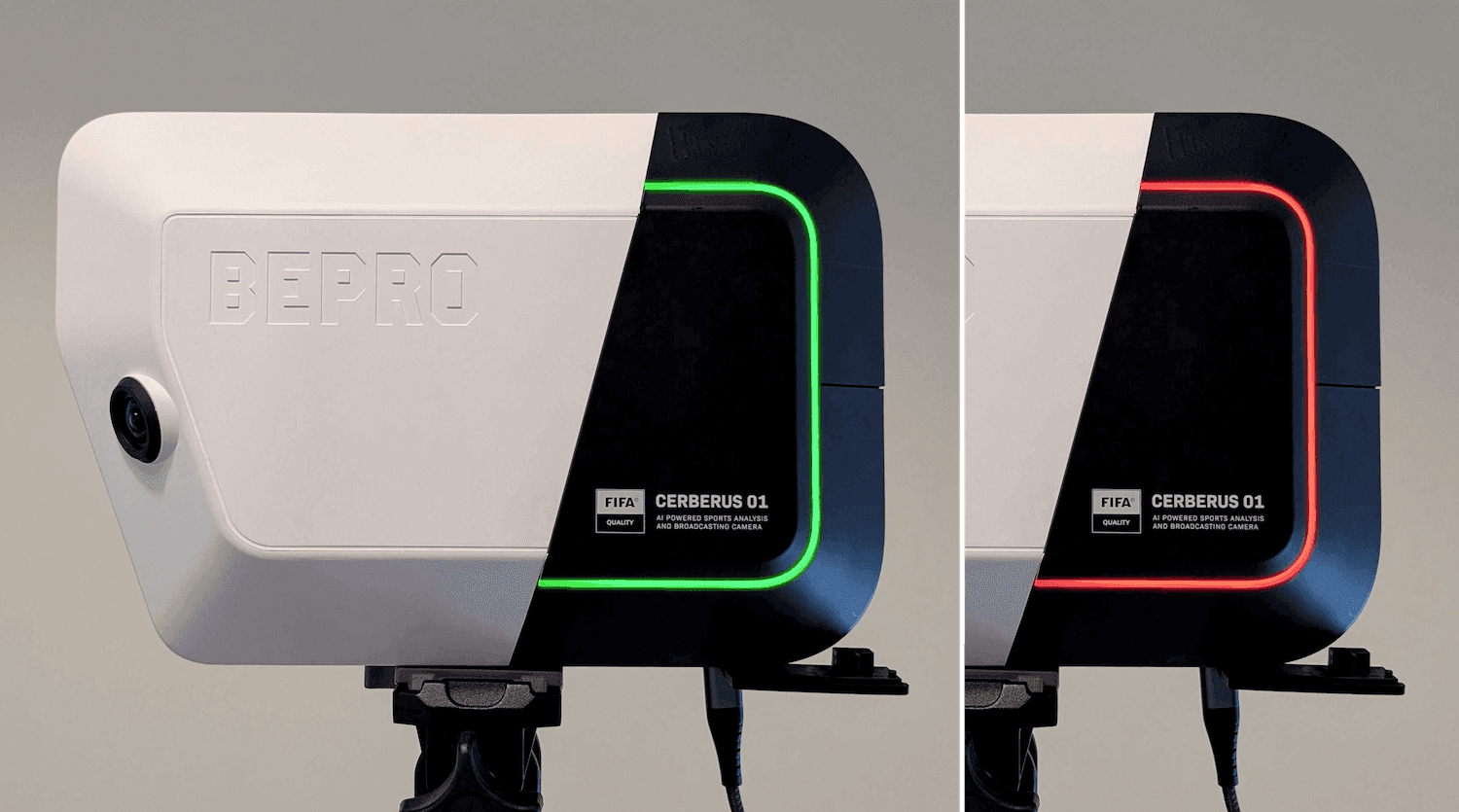
Green flashing: Recording in progress
Green flashing 5 times: Recording complete
Red on: Error starting recording
Red flashing: Recording stopped due to insufficient storage space or overheating
Red flashing 10 times: Recording system error
Upload Status
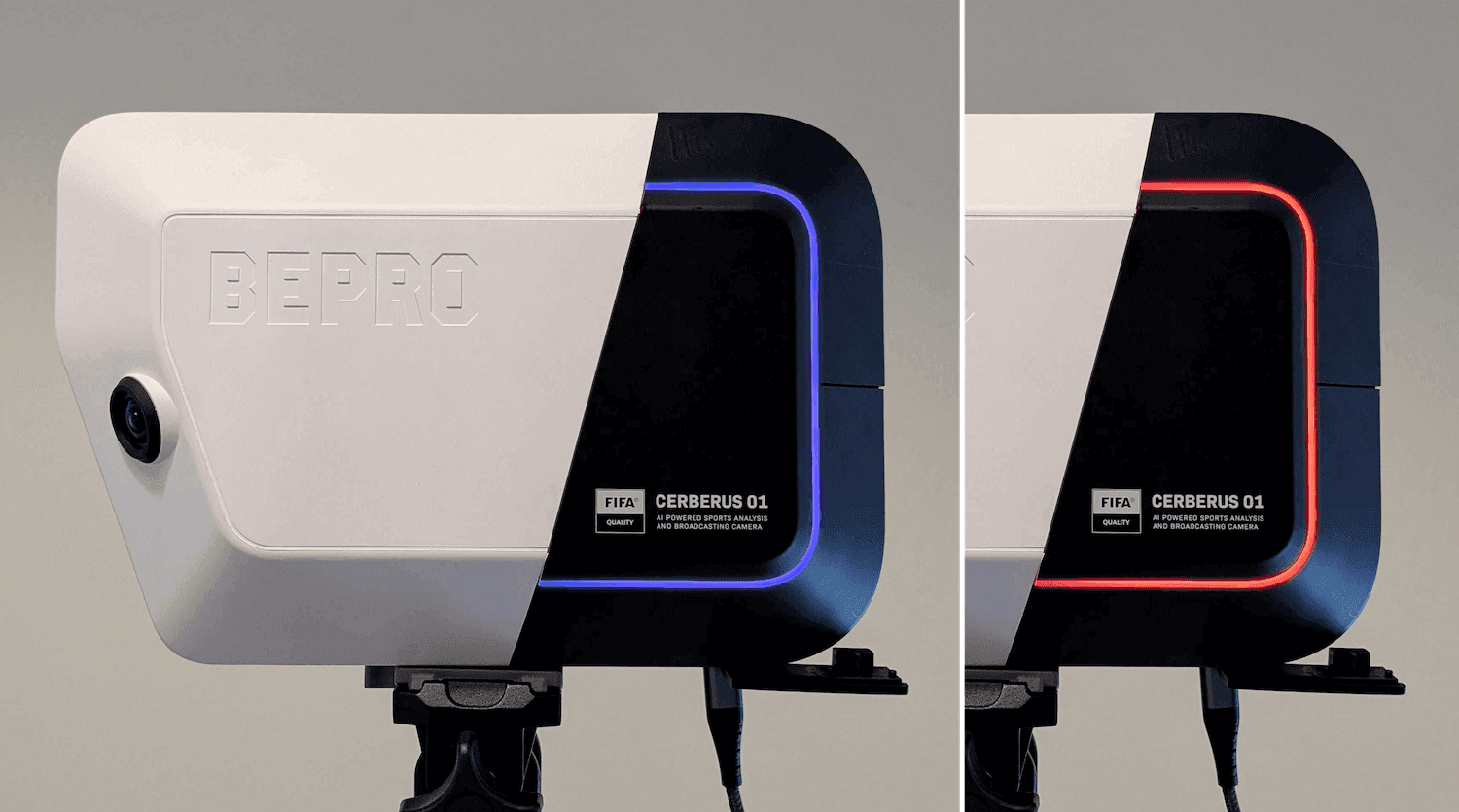
Blue on: Upload in progress
Blue flashing 10 times: Upload complete
Red on: Upload failed
Battery Status
Orange·Yellow·Green: Charging
Red on: Low battery (below 20%)
Red flashing: Operation stopped due to low battery
For more details on battery charging status, please refer to the document below.
Battery charging document link
Processing Completion Notification
Green flashing 5 times: Video processing or analysis complete
Important Notes
Red always takes priority over other colours.
When multiple operations are in progress simultaneously, notifications are displayed in order.
If the LED flashes or changes colour, the product status has changed.
Previous
Next